1) Schedule a demo
We'll look at your current workflow and show how Contact Ground maps to it.
Built by pilots • Designed for real flying clubs
Contact Ground is flying club management software built for volunteer-run clubs, aircraft partnerships, and shared aircraft organizations. Schedule aircraft, manage members, track squawks and maintenance, organize documents, and simplify invoicing in one workflow.
Start your 7-day free trial today—invite your crew, explore every workflow, and cancel anytime.
Running a flying club shouldn't be this hard.
Flying clubs are often run by volunteers who just want to fly, not manage software, chase down members, or untangle scheduling conflicts.
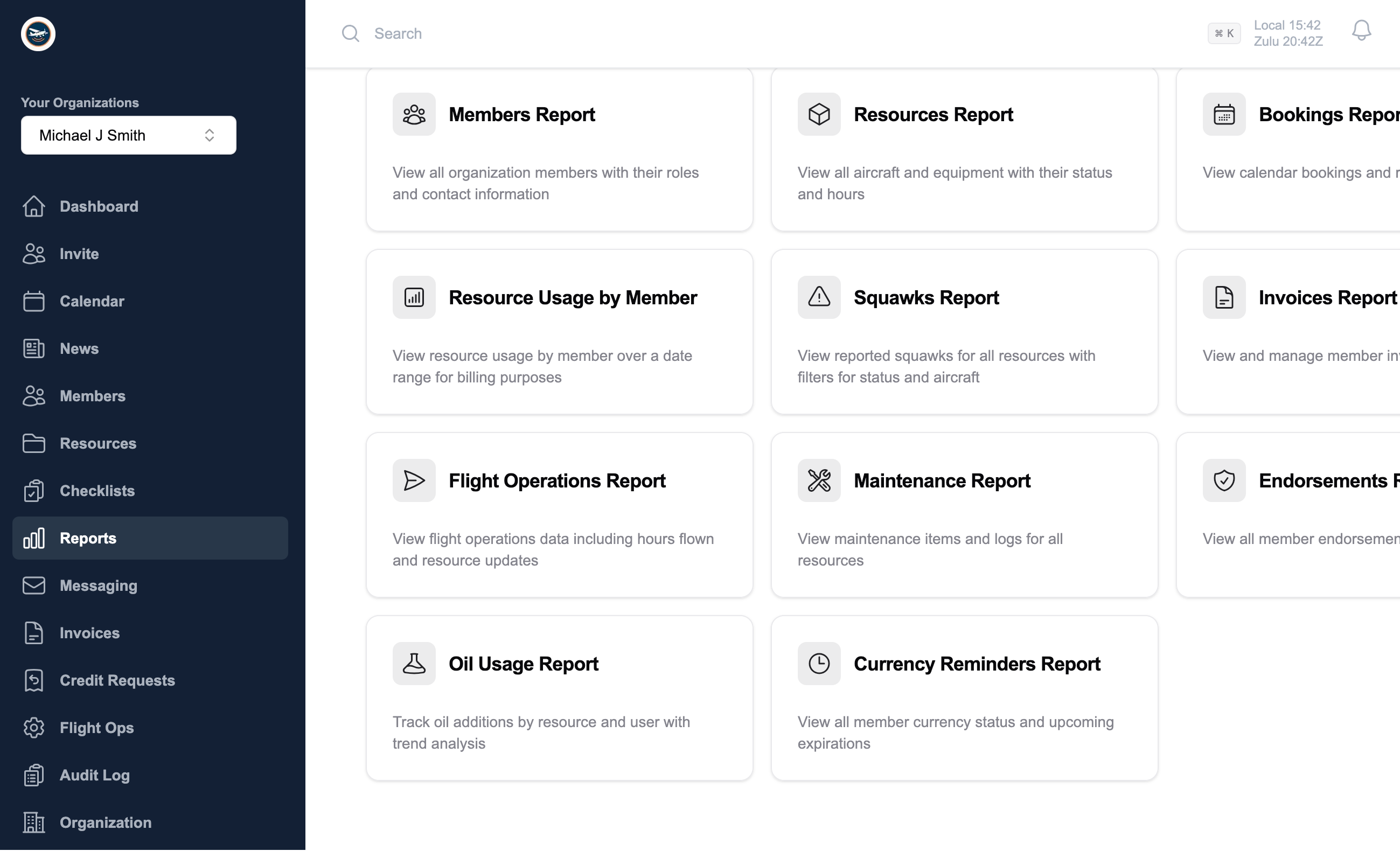
One shared operating picture for your whole club.
Contact Ground keeps pilots, instructors, maintenance leads, and ops officers aligned before the keys change hands and after the flight is logged.
Real-time availability, conflict-free reservations, and clear resource status at a glance.
Centralized roster, roles and permissions, and simple onboarding for new members.
Usage tracking with activity history so leaders can see what's happening across the fleet.
Downtime visibility and squawk workflows that reduce surprises and wasted trips.
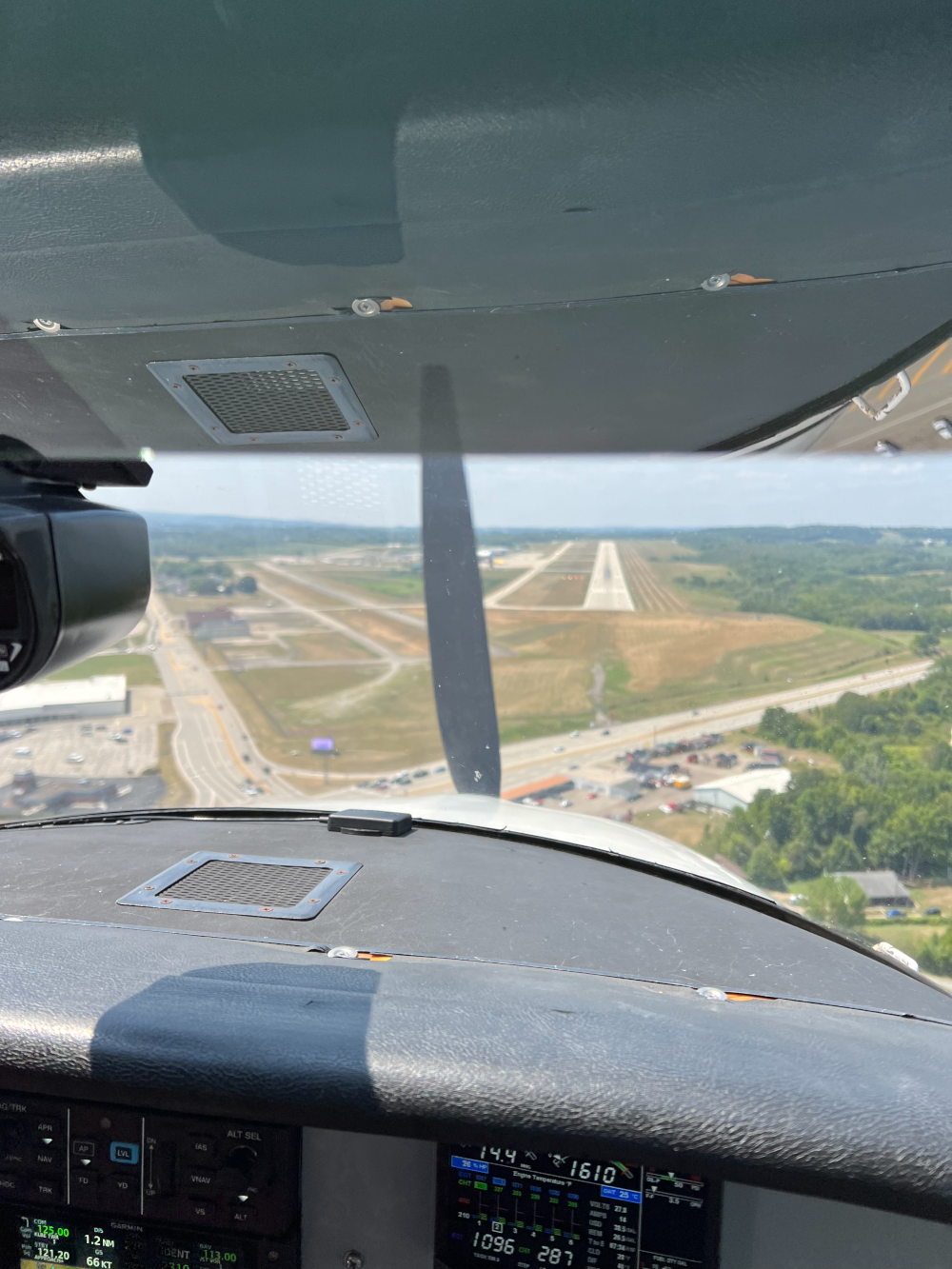
Why Contact Ground
Generic scheduling tools are not designed for shared aircraft, and legacy aviation software often feels complex and outdated.
Contact Ground gives clubs one connected operating workflow so members, instructors, and leaders can work from the same information before and after every flight.
The result is a cleaner handoff between pilots, instructors, maintainers, and operations leaders throughout the day.
Clubs can onboard quickly, keep members informed, and spend less time reconciling spreadsheets or patching together point tools.
How it works
Start with a short walkthrough, load your aircraft and members, then begin scheduling immediately. No hardware. No long contracts. Cancel anytime.
We'll look at your current workflow and show how Contact Ground maps to it.
We'll help you set up aircraft, roles, and invitations so adoption is painless.
Members always know aircraft status, expectations, and what's next.
Member invoicing
Use a dedicated QuickBooks workflow for accounting sync, or run a manual invoicing workflow. Both options allow for processing and applying credit memos with receipt upload.

Finalize invoices in Contact Ground, then sync to QuickBooks for accounting continuity and downstream reporting.
Run invoices without a third-party accounting dependency while keeping member communication and payment tracking organized.
QuickBooks logos sourced from Intuit digital brand assets.
Why Contact Ground
Contact Ground mirrors the day-to-day rhythm of flying clubs—reserve, brief, fly, debrief, bill—without jumping across paper logs or spreadsheets.
Members reserve aircraft, instructors publish availability, and everyone sees a unified board of every upcoming flight.
Pre-flight, 30-minute reminder, overdue, and early-return emails keep pilots and duty officers on the same timeline.
Pilots log squawks, track hours, and record oil consumption. Operations leads manage maintenance and update squawks.
CFIs, CFIIs, or DPEs can publish availability schedules. Students can then request time blocks. The instructor can review and accept (or reject) requests and reserve required resources.
Stay updated with the latest announcements and news from your flying club.
Leadership or CFIs apply required endorsements to aircraft and grant endorsements to members. Scheduling checks required endorsements before allowing resources to be reserved.
Share club references, require member uploads, collect read-and-agree acknowledgements, and review expiring documents from one workspace.
Members log in with Google, Microsoft, or Apple accounts, helping to protect your electronic security.
Hours, oil consumption, instructor activity, and billing exports are auto-filled the moment resource updates are submitted.
Notifications keep everyone informed about important updates and changes. Choose your own preferences for how and when you receive alerts.
Audit trails provide a detailed history of changes and actions within the system, ensuring transparency and accountability.
Documents
Contact Ground gives clubs a shared document workspace for operating references, required reading, and member-provided documents such as badges, insurance, waivers, or training records.
Store organization-wide (e.g., policies, procedures) or resource-specific (POH, W&B) files so members can find current operating documents in one spot.
Publish required documents with immutable versions, notify members about updates, and track who has reviewed and agreed.
Define upload requirements, let members submit files with expiration dates, and review approvals in a compact table.
Mobile app
Members can check schedule availability, review flight details, track hours, and stay synced with club updates without needing a desktop session.
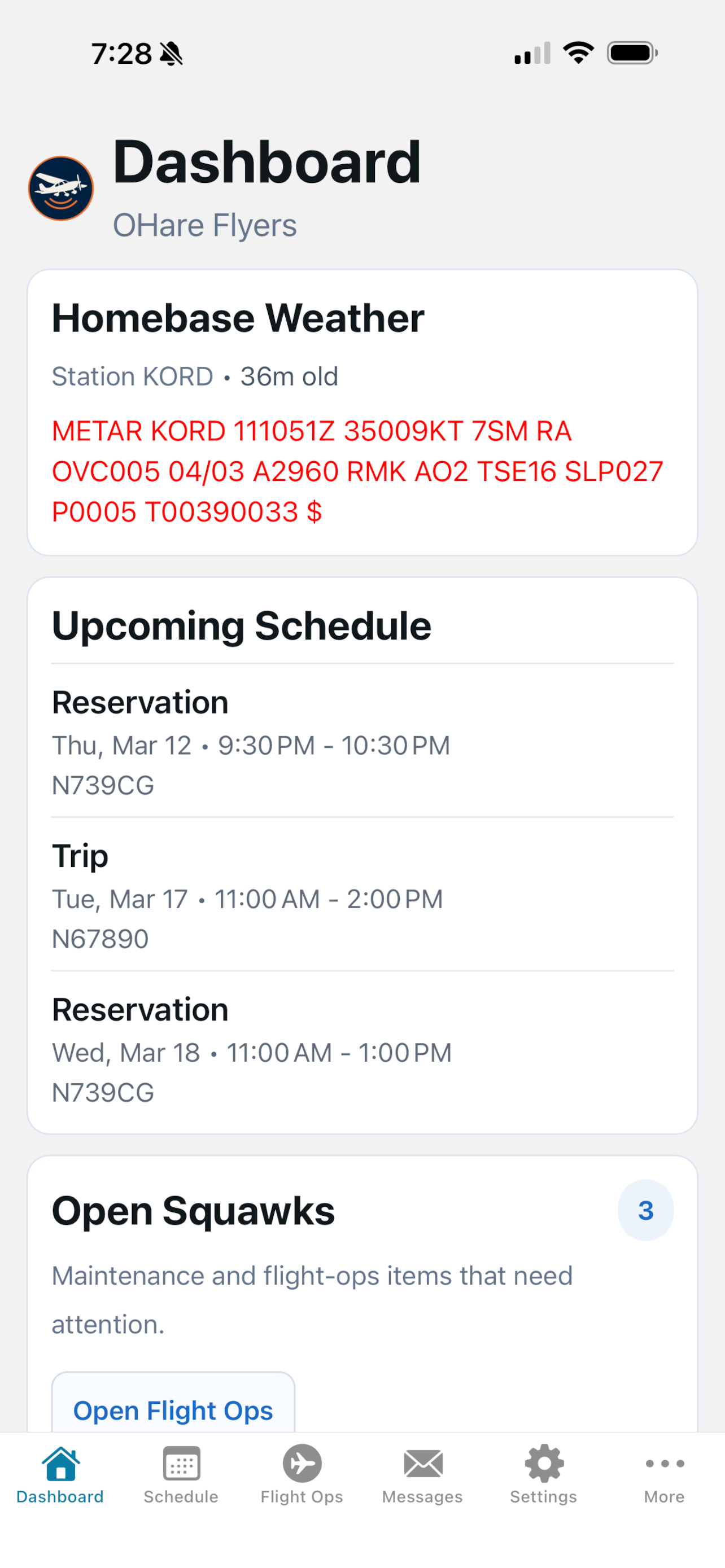
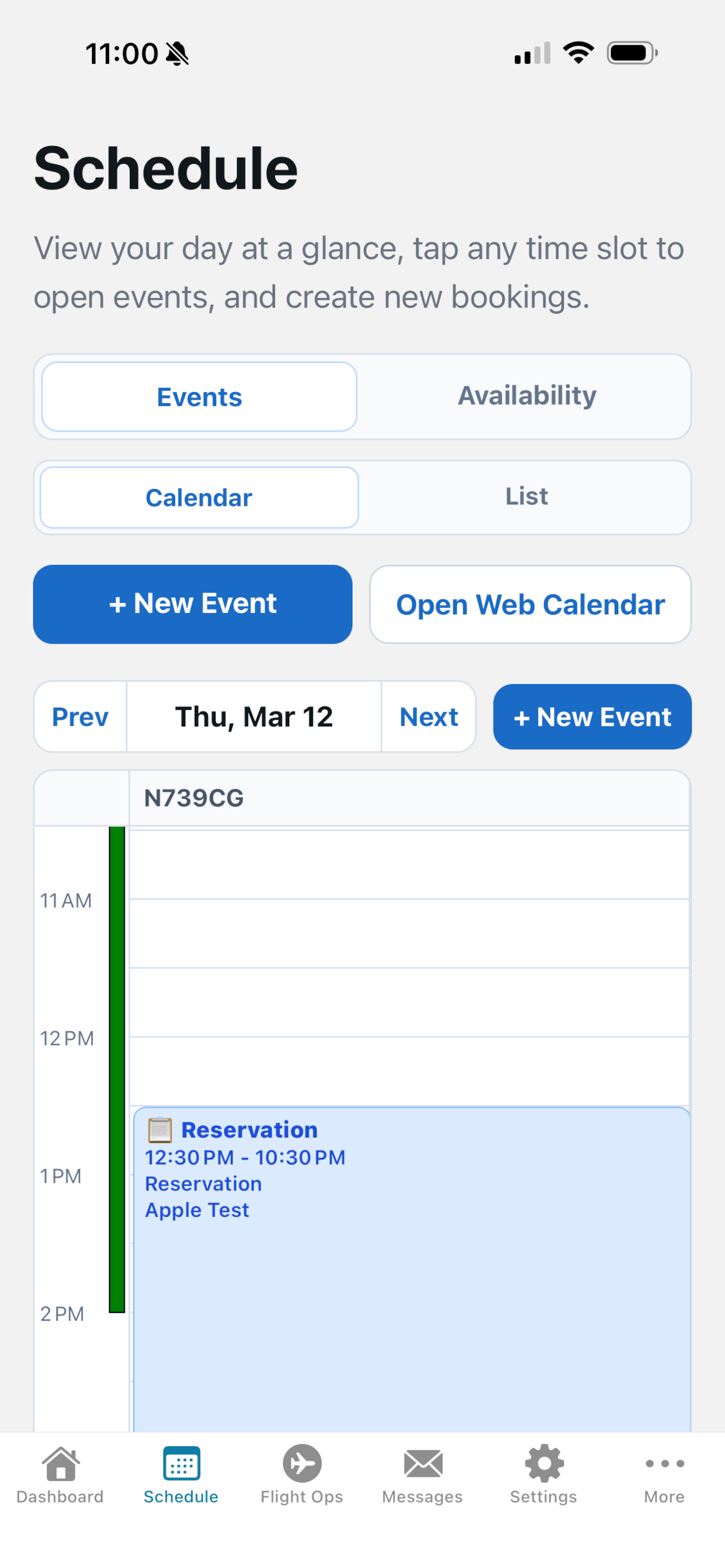
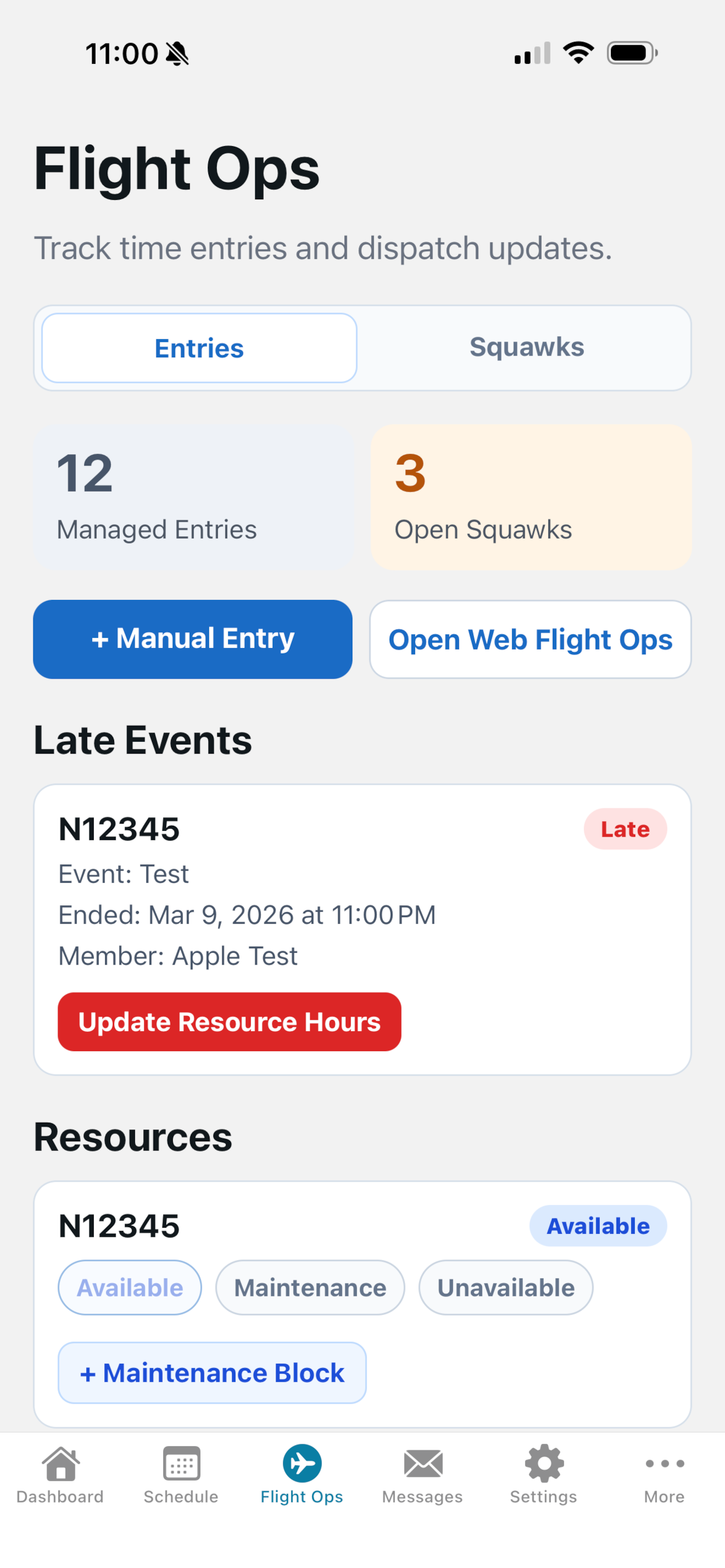
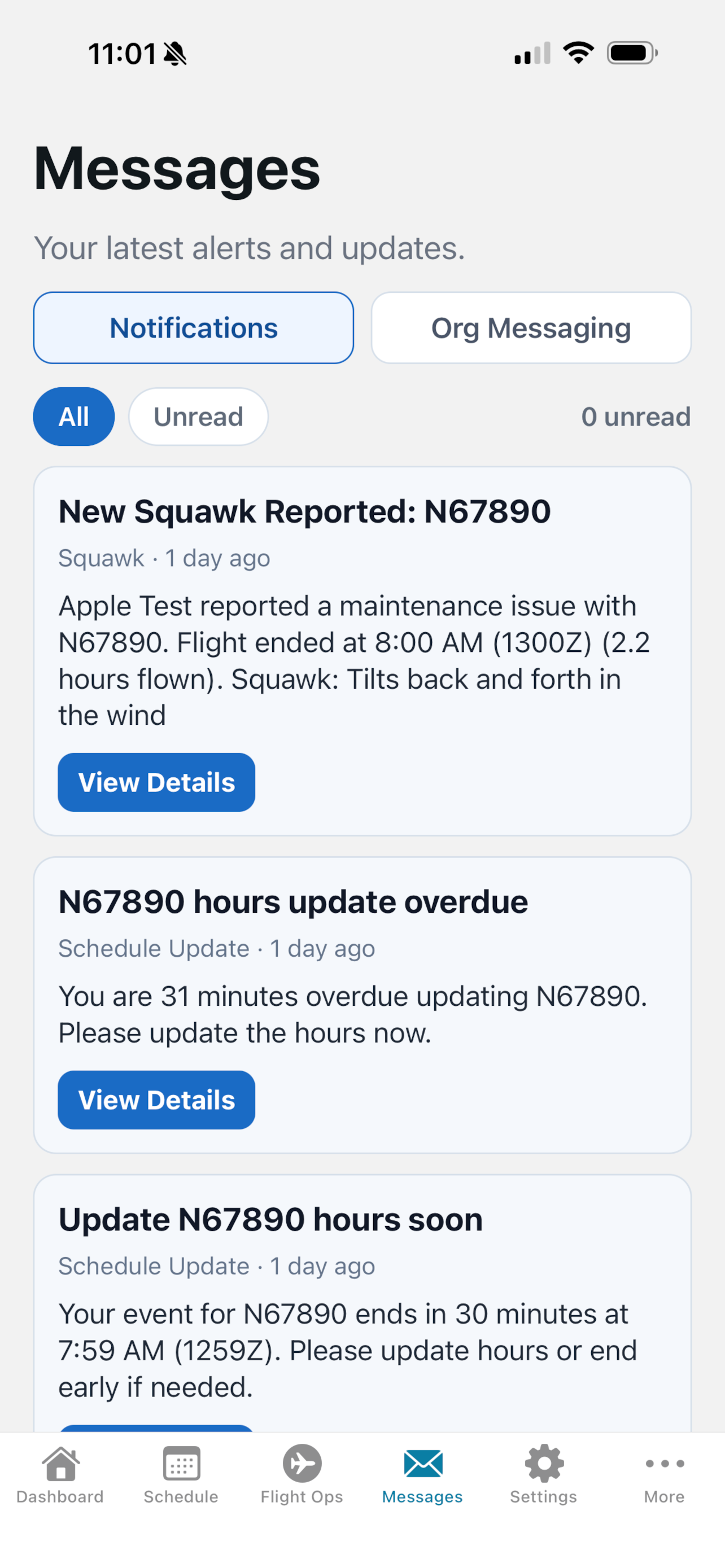
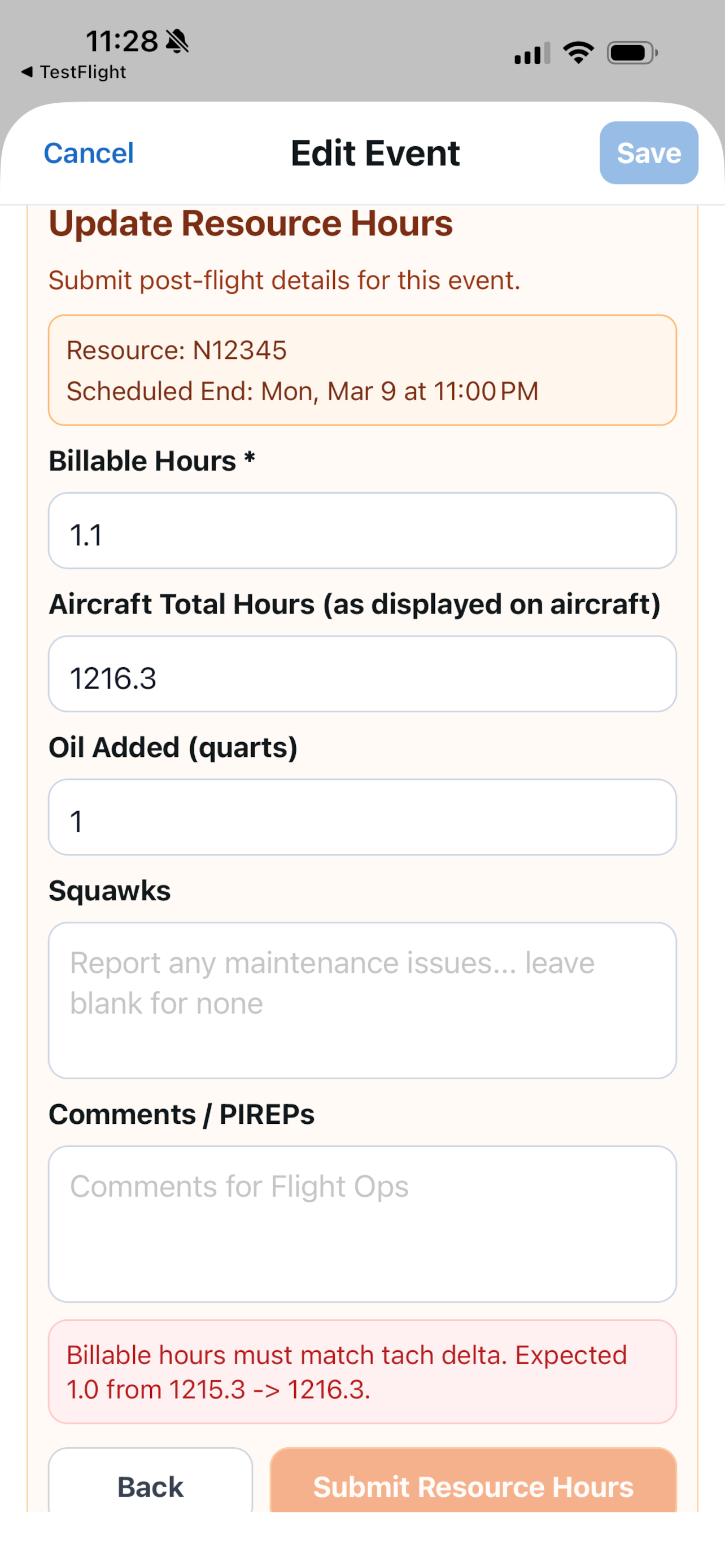
Club Ops Snapshot
Use Contact Ground as your digital ops log so everyone knows aircraft status before keys change hands.
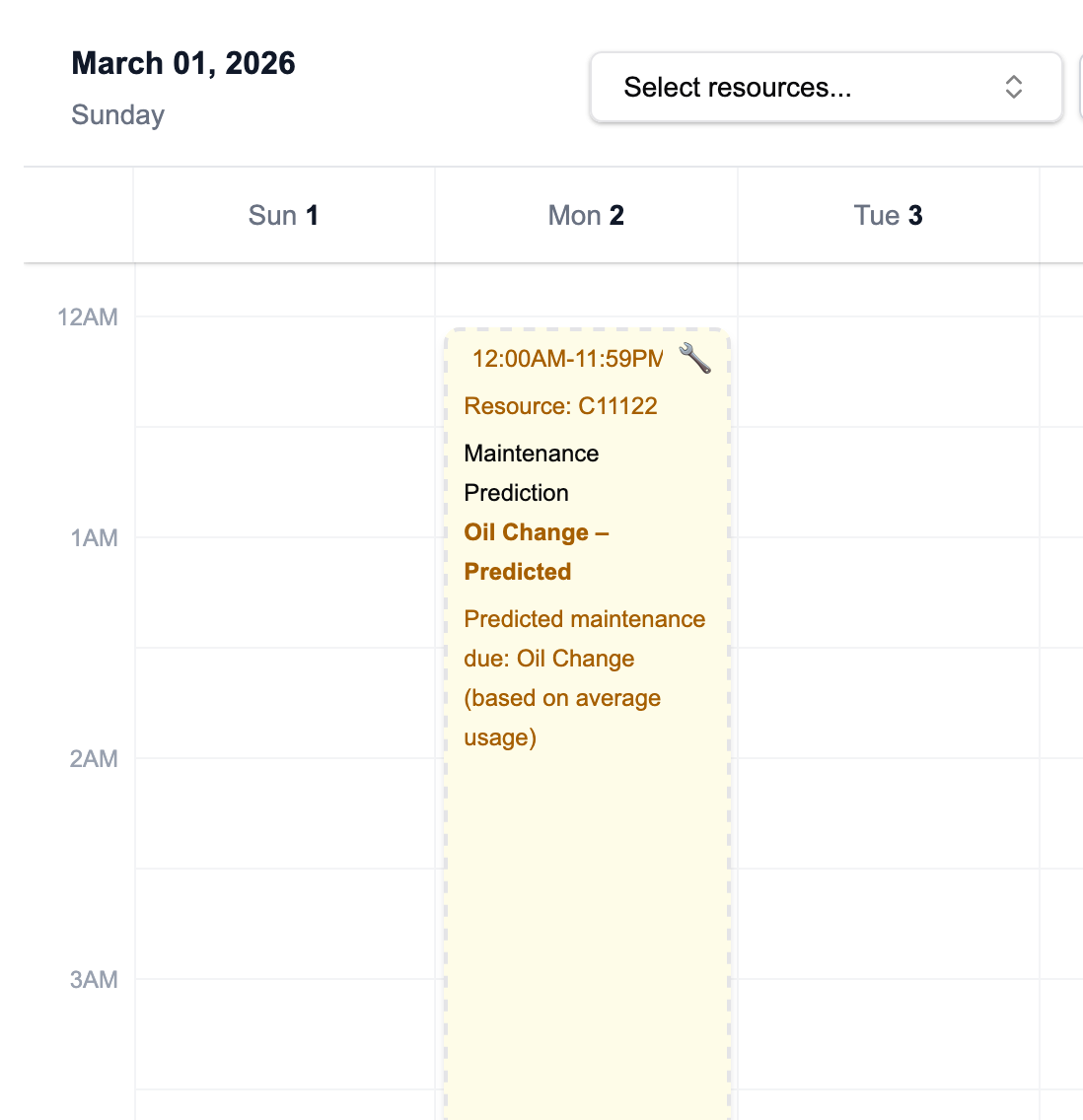
Predictive maintenance
Contact Ground tracks hour-based maintenance intervals (100 hour inspection, oil changes, etc.) and projects upcoming maintenance windows directly onto your shared calendar—so members, instructors, and ops officers can plan around them well in advance.
Pricing
Most organizations use our usage-based model with the full Contact Ground suite. For larger teams or specialized requirements, we also offer custom deployment and commercial options.
$10 per aircraft, simulator, or piece of equipment.
$10/resource
Flexible engagement models for organizations with complex requirements.
Flexible
Choose SaaS for the fastest launch with automatic updates, or choose a private/self-hosted deployment with tailored support, training, and commercial terms.
Share a recent dispatch, maintenance, or billing challenge and we'll walk through how the platform supports your pilots, instructors, and leaders.
FAQ
Contact Ground is a modern scheduling, maintenance, and resource management platform built specifically for flying clubs, flight schools, and aviation groups that share aircraft or equipment.
Any organization that coordinates shared aviation resources can benefit—club members, CFIs, dispatchers, and owners all use the same workspace with role-based access.
Owners configure the endorsements a resource requires. When a member books, Contact Ground verifies their endorsements, role, and the resource’s current status so only qualified pilots can fly.
Track open squawks, scheduled maintenance, and logbook history by resource. CFIs and maintainers can add notes that immediately inform dispatchers and members.
Check the Contact Ground blog for release notes, or reach our support team at support@contactground.com for onboarding assistance and feature requests.
Members reserve aircraft or equipment on an availability-aware calendar. Required endorsements and resource status are checked automatically before a booking is confirmed.
Yes. Contact Ground is multi-tenant. You can join several organizations, switch between them in a single session, and keep each organization’s bookings, endorsements, and notifications separate.
Yes. Integrated METAR and TAF widgets surface real-time airport conditions and forecasts for each organization's home base to help pilots plan without leaving the dashboard.
Organization owners invite new members by email. Invitees create an account, select passkeys or social login, and are guided to complete their profile and required endorsements.