Built for shared aircraft
Reservations are not generic calendar events. They need aircraft identity, member context, instructor participation, operational notes, and club policy visibility.
Scheduling
This feature detail shows how Contact Ground connects the shared calendar with aircraft status, instructor availability, maintenance blocks, member readiness, and mobile schedule changes.
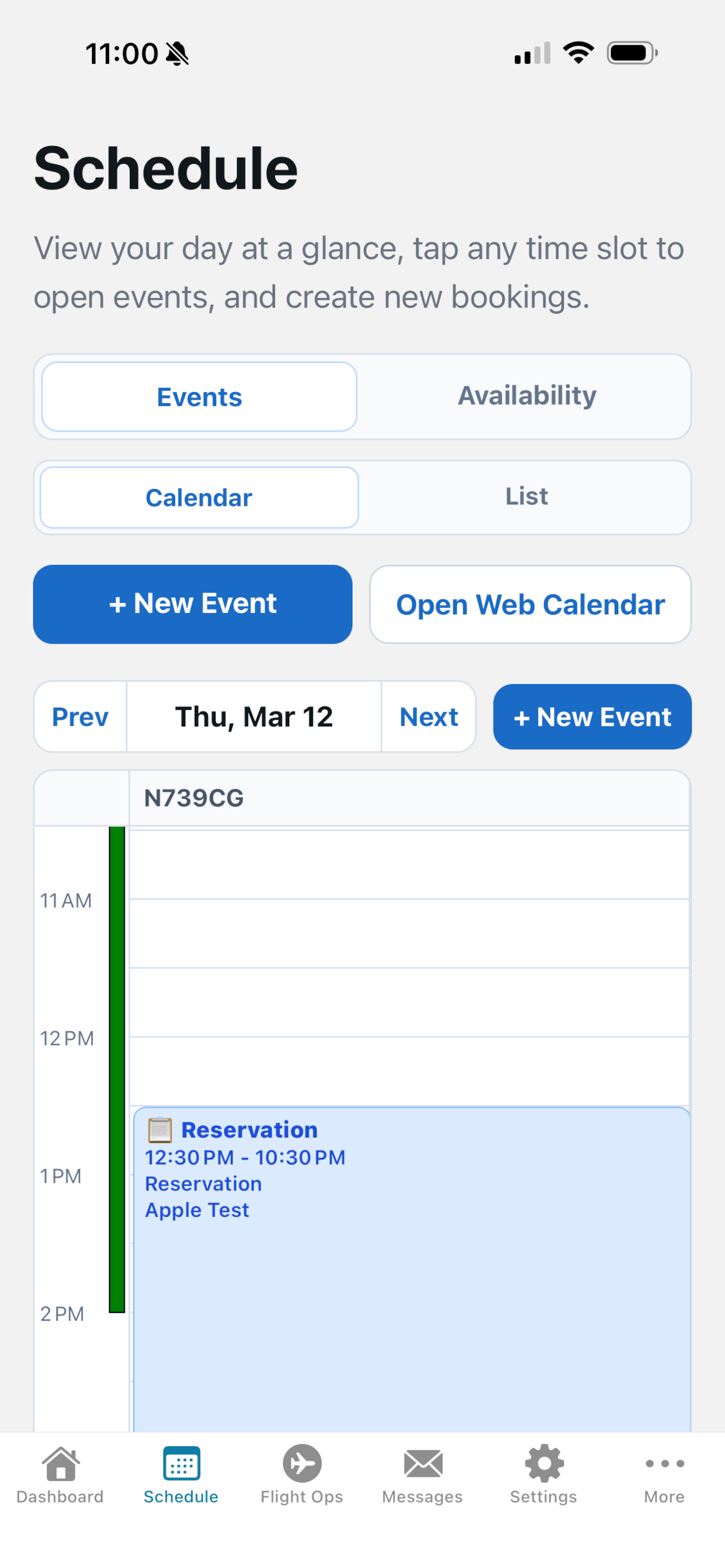
Instead of maintaining one calendar for reservations, another list for maintenance, and a separate process for member qualification checks, the schedule becomes the operational source of truth.
Play by play
Create aircraft, simulators, instructors, or club equipment as bookable resources with the details members need before reserving.
Members can scan calendar views, pick an open time, and understand which resource is available without calling a scheduler.
Maintenance blocks, resource status, and member readiness context stay close to the booking workflow.
Schedule changes flow to mobile views and notifications so members, instructors, and operations staff are not working from stale screenshots.
Reservations are not generic calendar events. They need aircraft identity, member context, instructor participation, operational notes, and club policy visibility.
The schedule connects naturally to flight operations, weather checks, squawks, and mobile workflows so pilots can move from reservation to dispatch without hunting through separate systems.
Members get a simple booking experience. Administrators get resource control, calendar limits, and the context needed to keep the schedule fair and accurate.
Schedule a demo and we will walk through the workflow using a flying-club scenario, not a generic software tour.